Wednesday, 4 May 2016

color correction/ color grading


process:                                                                                                                         
 create a null object and track

make a new adjustment layer and enlarge it. then, mask it out
 then go to the effect and choose colour then correct it

 other:

logo removing


 first thing is to save the first frame as a photoshop file.
 then go to the photoshop, use the stamp tool to erase or remove the subject you want.
 back to ae, create a null object and track the footage.
import the photoshop file ,mask out the subject you want to remove. then link the layer to the null object.

Monday, 2 May 2016

tracking

there is a few way to track.the first way is using track motion.

 go to the animation there and choose track motion.
 create a null and rename it.edit the tracking data to the null object.
 type out the word or design it.
 link the word to the null object and done.

 the second way is using 3d tracker. is also above the track motion. so use it and will help you to analyze the footage.
 then solve the camera
then just find the point that consistent in the whole footage . try to find the point between 2 point.

Monday, 22 February 2016

ROTO


 process:
first, use roto tool to roto the subject out
then you can duplicate the layer with Ctrl+D. and change the background color.

GREEN SCREEN


 firstly, draw a mask on the subject.
 then, go to the effect and choose keylight (1.2) and pick the color green and then the green screen will disappear.
 add some smoke
 duplicate few layer then make it 3d then turn it down make it become shadow.
to make it more real, add some light inside.

7 deadly sins - wrath

 process:

 first, type the word out then animate it. using the position , scale and anchor point. adjust the keyframe.
there is also got an animator below the layer when you click inside,play with it. Remember put motion blur by click on the box below many circle and the button of many circle as shown on above.

then i use the pen tool to draw the mask to make it like crack and the other i duplicate the same layer but i choose inverted.

Sunday, 21 February 2016

TITLE SCENE


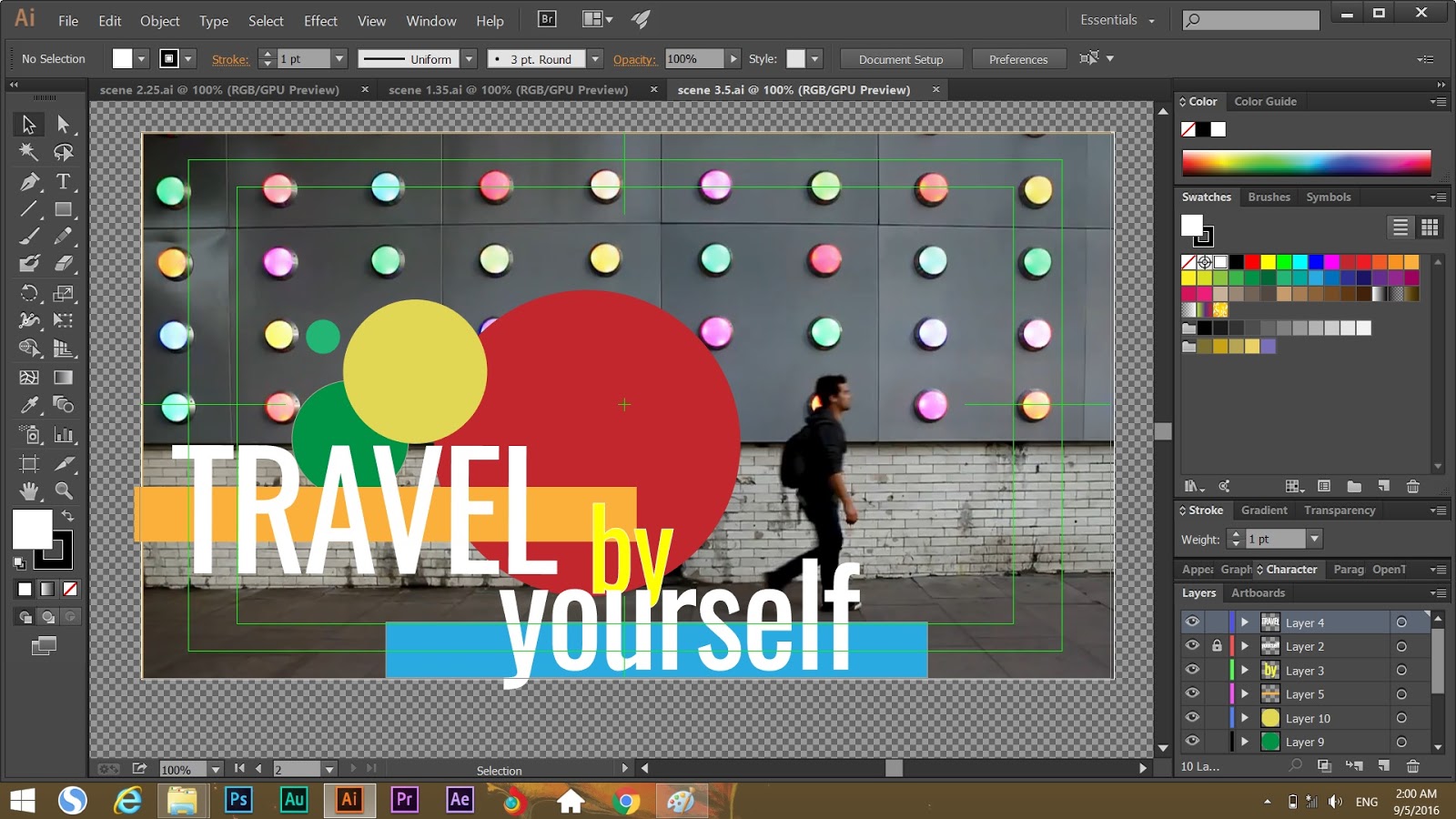
 Firstly, we need to design the footage. Above is the first idea or draft.


 After that, you can play with the position ,rotation, anchor point ,scale and you can also put the colorful solid and change to different  mode.